
Meeting Owl 5 for Small Meeting Rooms in the UK
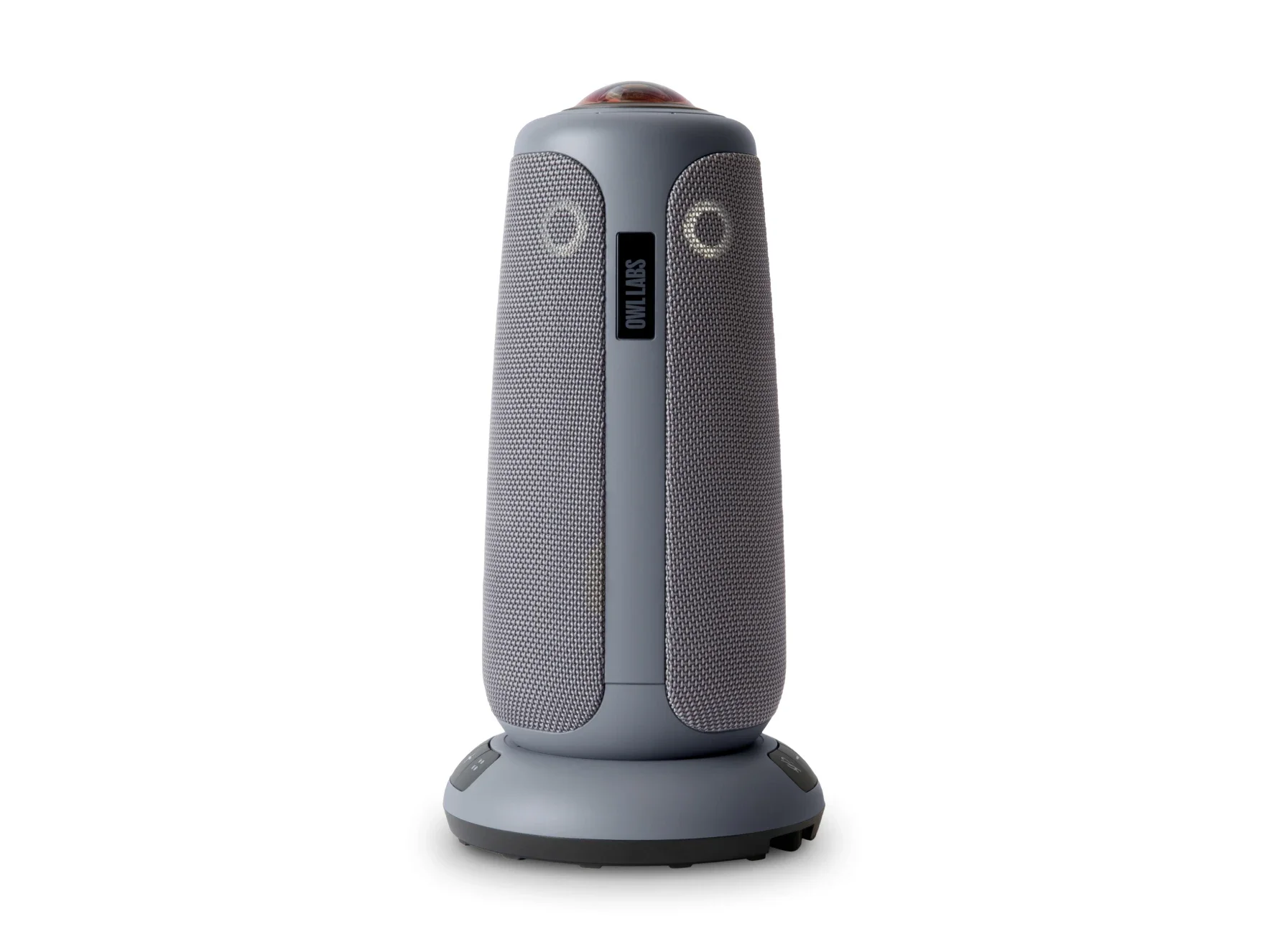
Bring everyone around the table into the conversation. The Meeting Owl 5 combines a 360° 4K camera, eight microphones and a room speaker in one tabletop device, designed for hybrid meetings with up to eight people.
Buy through Roche AV Pro, an authorised UK Owl Labs partner, or speak to our team about the right setup for your room.

Buy the Meeting Owl 5 from an Authorised UK partner
If you already know which Owl you need, you can order the Meeting Owl 5 directly from Roche AV Pro. If you’re choosing equipment for a new room or upgrading an existing one, our team can help you work out what will suit the space.
Advice on room size and layout
Tell us how many people usually attend, where they sit and how far the furthest seat is from the camera. We’ll help you decide whether a single Owl will give everyone a good view and clear audio.
Help with your existing equipment
We can advise on connecting the Owl to your meeting room display and the laptops your team already uses, including the cables you’ll need.
UK installation and support
From setting up one meeting room to equipping several sites, Roche AV Pro can help with supply, installation and ongoing support across the UK.

Owl labs reseller since UK launch in 2021
supplied across all market sectors

of experience supplying Owl Labs systems

Owl products supplied since 2021
What is the Meeting Owl 5?
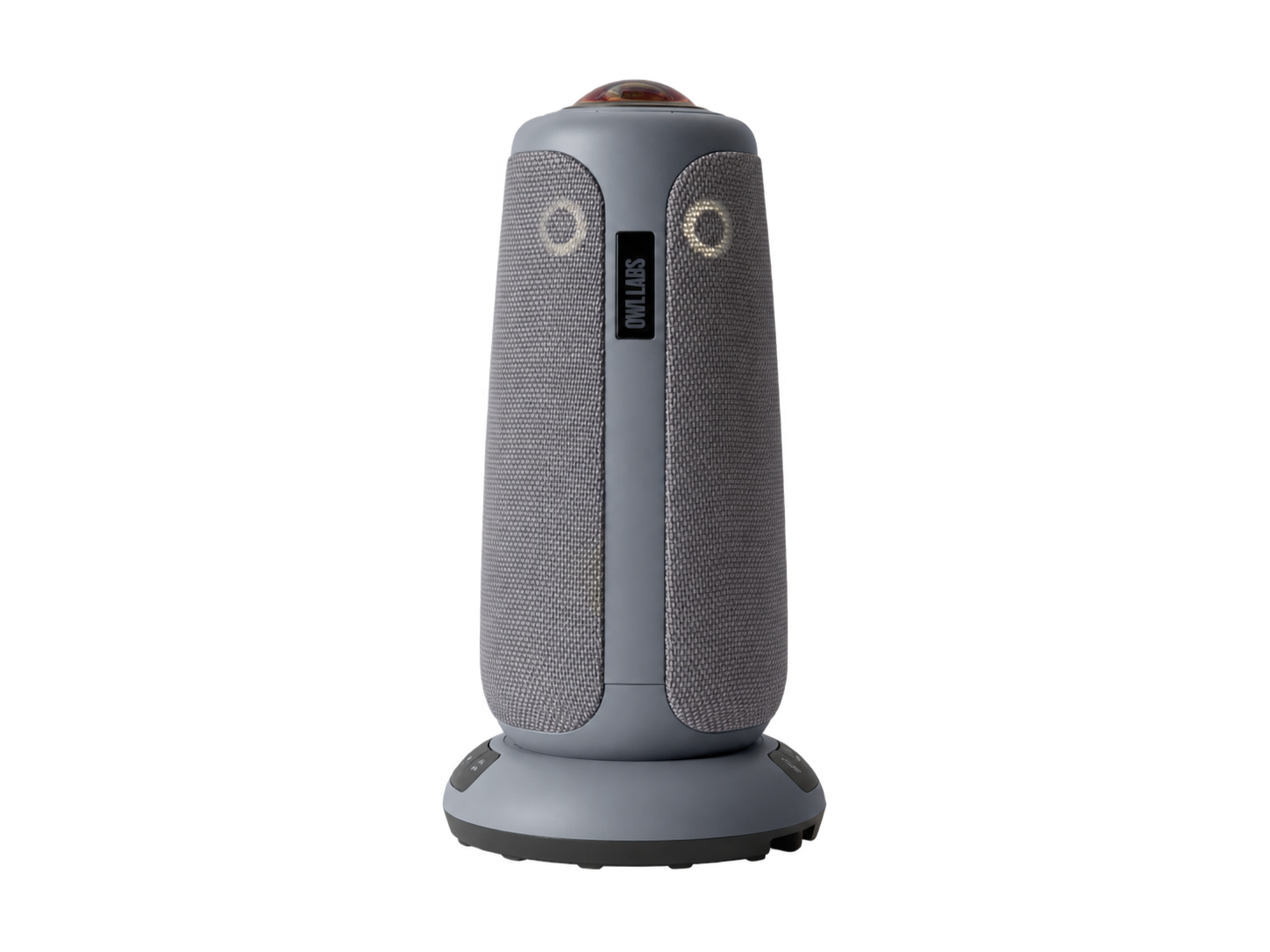
The Meeting Owl 5 is an all-in-one video conferencing system that sits on the meeting table. Its camera captures a view all around the room, while built-in microphones and a speaker handle both sides of the conversation. It works with familiar platforms including Microsoft Teams, Zoom and Google Meet.

A 360° view of the table
A 20 MP camera delivers 4K video and captures people seated on every side of the Owl. Remote colleagues can see the people joining the discussion, including those sitting on the same side of the table as the room display.

Clear voices from every direction
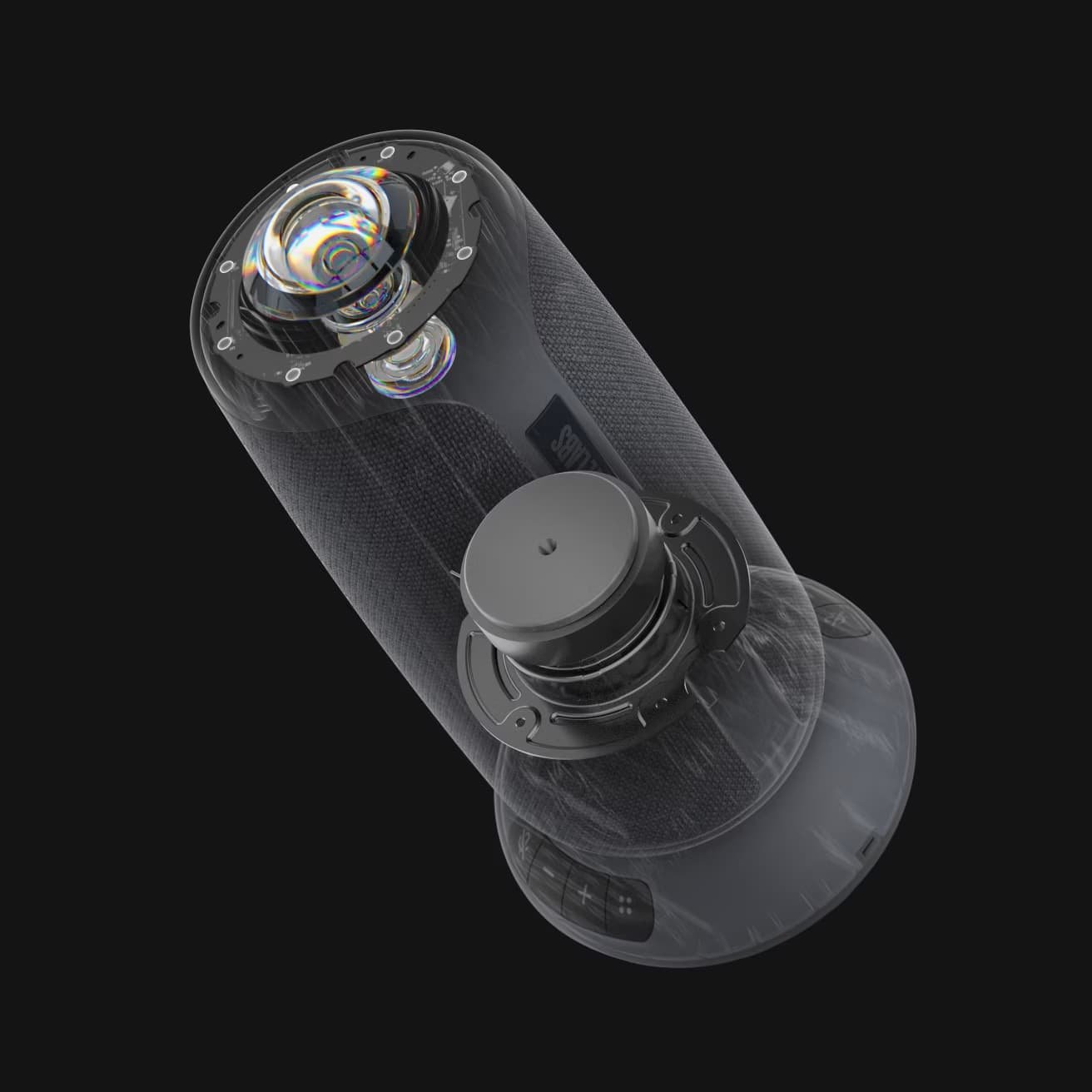
Eight microphones at the top of the Owl pick up voices from up to 5.5 metres away. Echo cancellation and background noise reduction help remote participants follow the discussion, while the built-in speaker plays their replies back into the room.

One connection for the presenter
With the Owl connected to power and the room display, a presenter can plug a compatible laptop into the USB-C cable to use the room’s camera, microphones and speaker, and share content on screen.
From laptop to meeting room with one USB-C cable
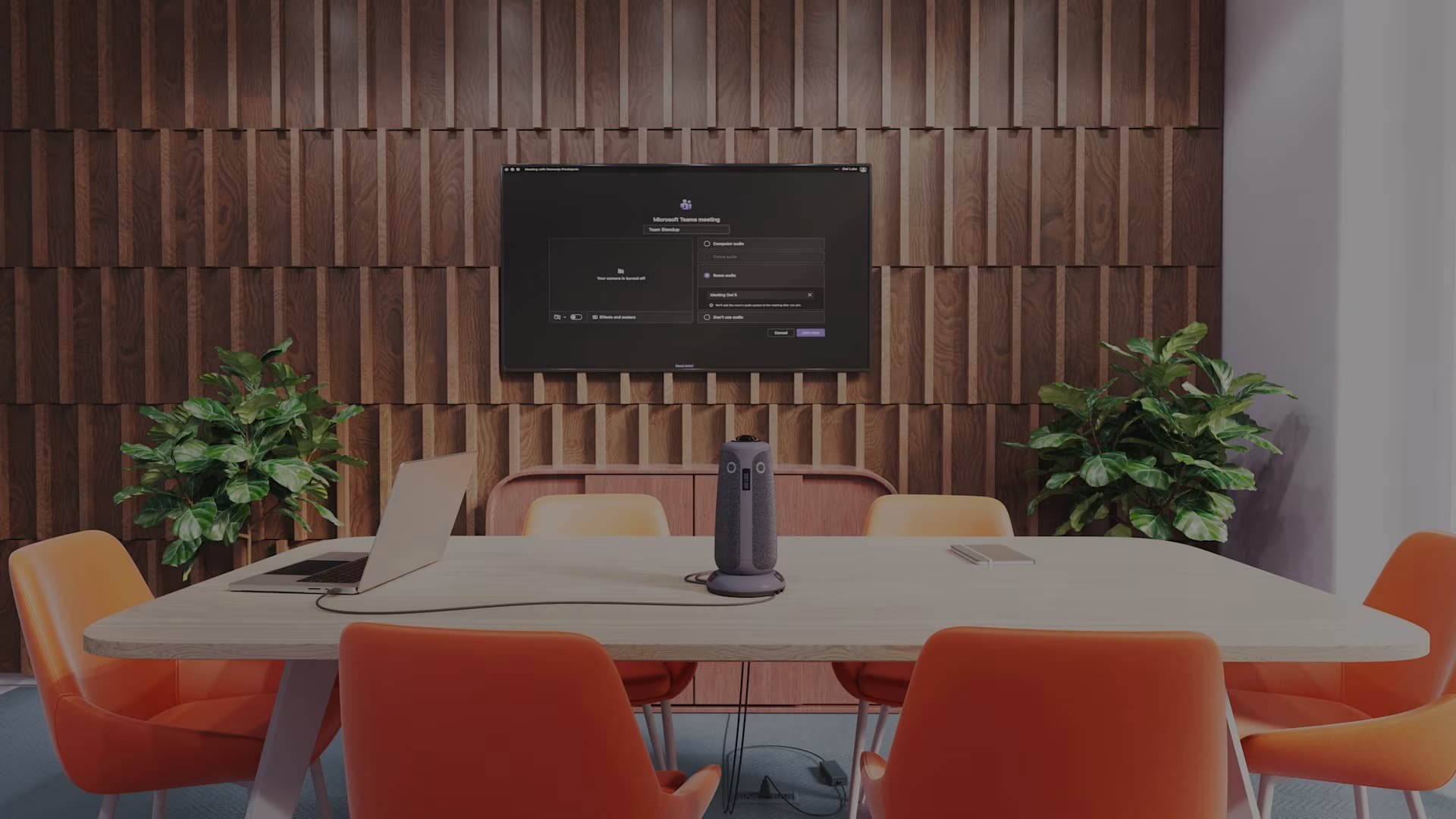
Connect the Meeting Owl 5 to your room display using HDMI. When it’s time to meet, plug the Owl’s USB-C cable into your compatible laptop, open your usual meeting app and choose the Owl for your camera and audio.
You can also use the same connection to show slides, a spreadsheet or a document on the room display during an in-person meeting. There’s no need to start a video call just to share the screen.
Will the Meeting Owl 5 suit your room?
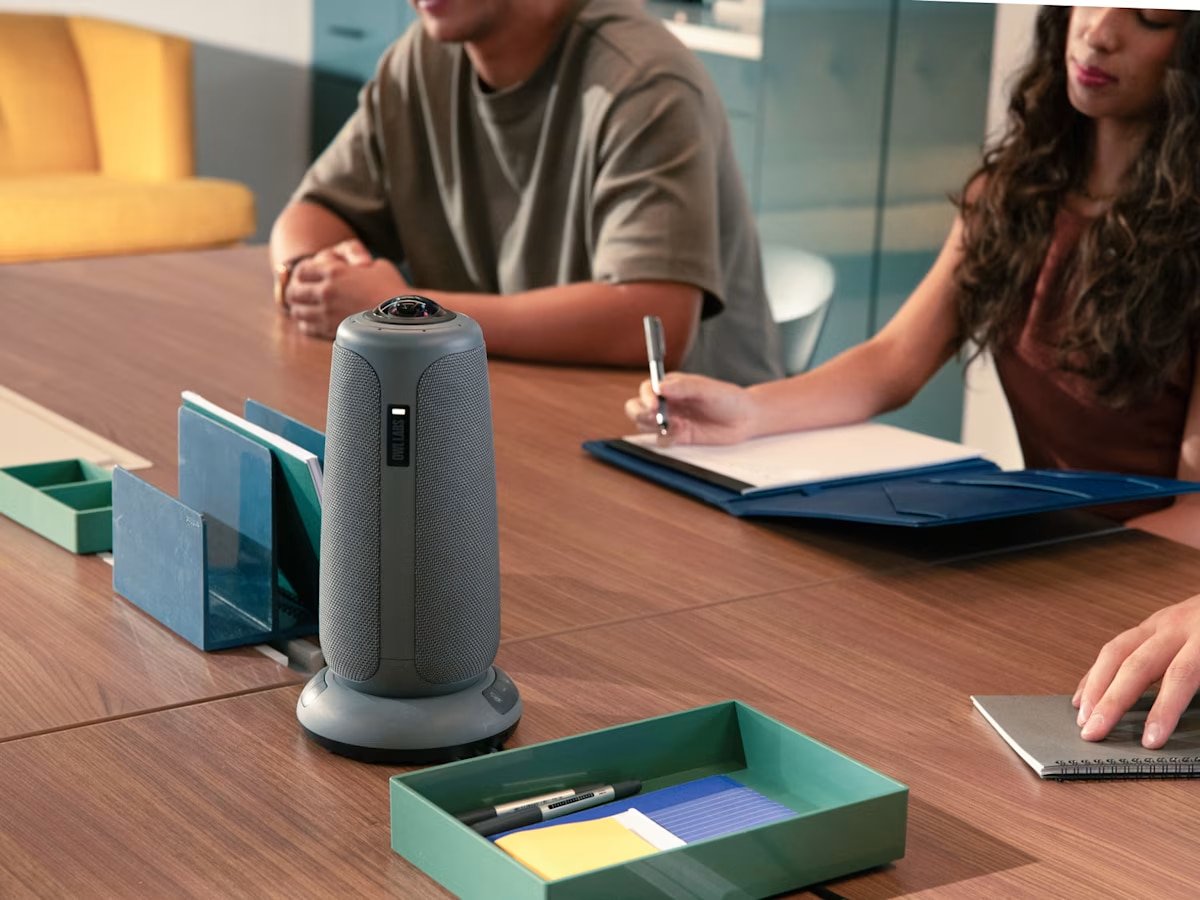
Owl Labs recommends the Meeting Owl 5 for small rooms with up to eight people. When choosing a camera, it’s worth looking at the shape of the table as well as the number of seats.
Small meeting rooms
For team catch-ups, interviews and client calls, a single Owl can cover people sitting around a compact table. Its 360° view is particularly useful when colleagues face each other during the discussion.
Tutorial and project rooms
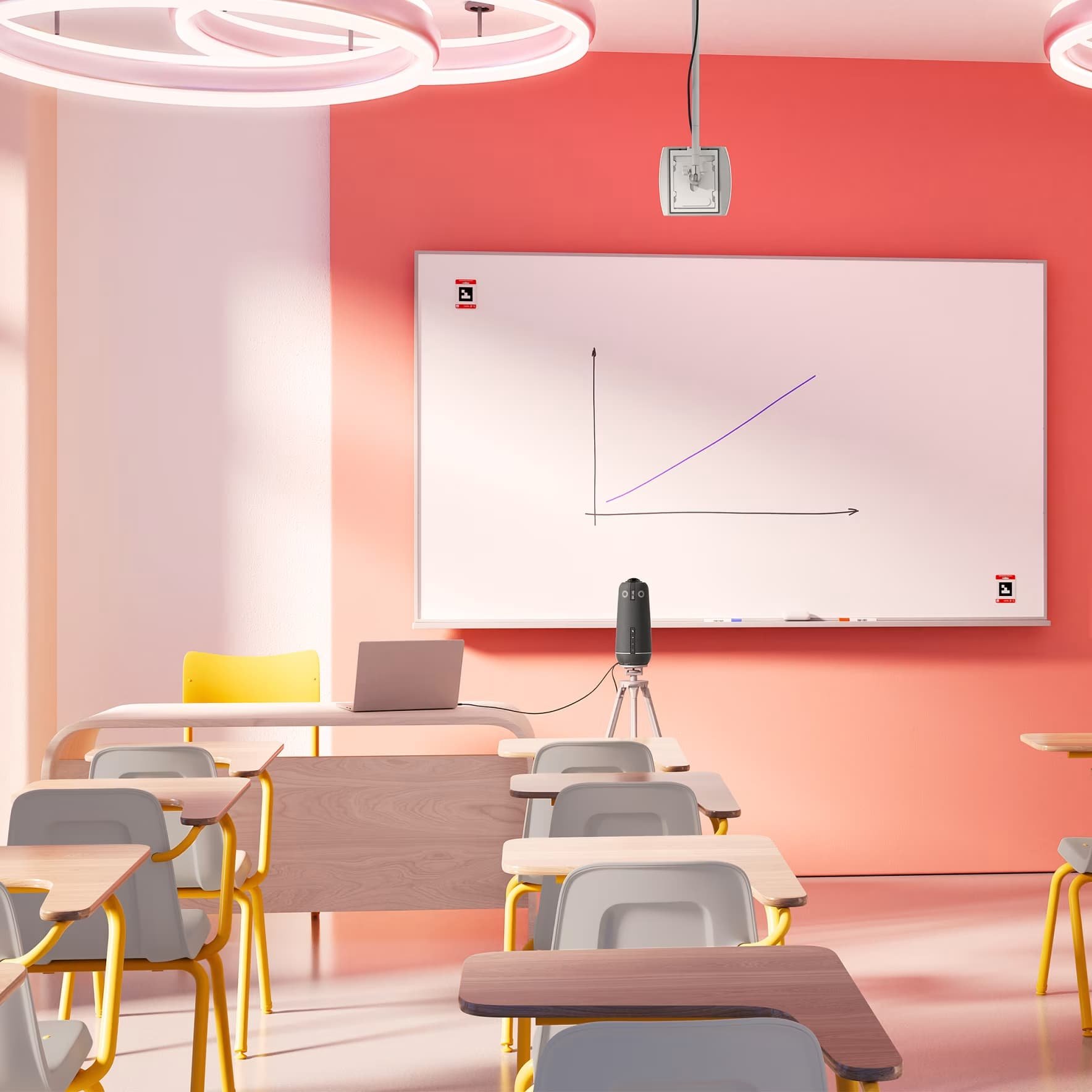
In a small teaching or project space, the Owl lets a remote tutor, student or guest join a group discussion. Position it where everyone taking part is within the camera’s recommended 3-metre range.
Longer tables and larger spaces
The microphones can pick up voices from further away than the camera’s recommended range. If someone regularly sits more than 3 metres from the Owl, send us your room dimensions or a photo of the table. We can help you assess the layout and compare options.
Meeting Owl 5 installation and support
○ Room Planning
We can review the table layout, seating distances and display position to help you choose a practical location for the Owl.
○ Installation and setup
Our team can connect the equipment, plan the cable route and check camera, microphone and screen-sharing performance with your meeting platform.
○ Support across multiple rooms
If you’re fitting out several meeting spaces, we can help you establish a consistent setup so staff know which cable to connect and how to start a meeting in each room.
Now in stock for immediate despatch
Meeting Owl 5 or Meeting Owl 5 Pro?
Both models offer 360° 4K video and HDMI display sharing. For a small room where people bring their own laptops, the standard Meeting Owl 5 is a good starting point. The Pro is worth considering if you need to pair two cameras now, connect directly to Ethernet or meet a Microsoft Teams certification requirement.
| Feature | Meeting Owl 5 | Meeting Owl 5 Pro |
|---|---|---|
| Camera and video | 360° 4K UHD video with a 20 MP sensor | 360° 4K UHD video with a 64 MP sensor |
| Share to a room display | HDMI passthrough | HDMI passthrough |
| Wired network connection | Ethernet via an adaptor | Built-in Ethernet |
| Pair two Owls | Planned for early 2027 | Wired or wireless pairing on supported laptop and PC-based setups |
| Microsoft Teams | Works with Microsoft Teams | Microsoft Teams certified |
Meeting Owl 5 technical specifications
-
20 MP camera with a 360° field of view and 4K UHD output. Recommended camera range is 3 metres from the device.
-
Eight omnidirectional microphones with adaptive beamforming and a 5.5-metre pickup radius. Audio processing includes voice equalisation, echo cancellation and background noise reduction.
-
Full-range, downward-firing speaker with an output of 84 dB SPL RMS.
-
USB-C laptop connection, HDMI passthrough for a room display and Wi-Fi 6E. Wired networking requires an Ethernet adaptor.
-
Works with Microsoft Teams, Zoom, Google Meet, Webex and other supported web-based conferencing platforms.
-
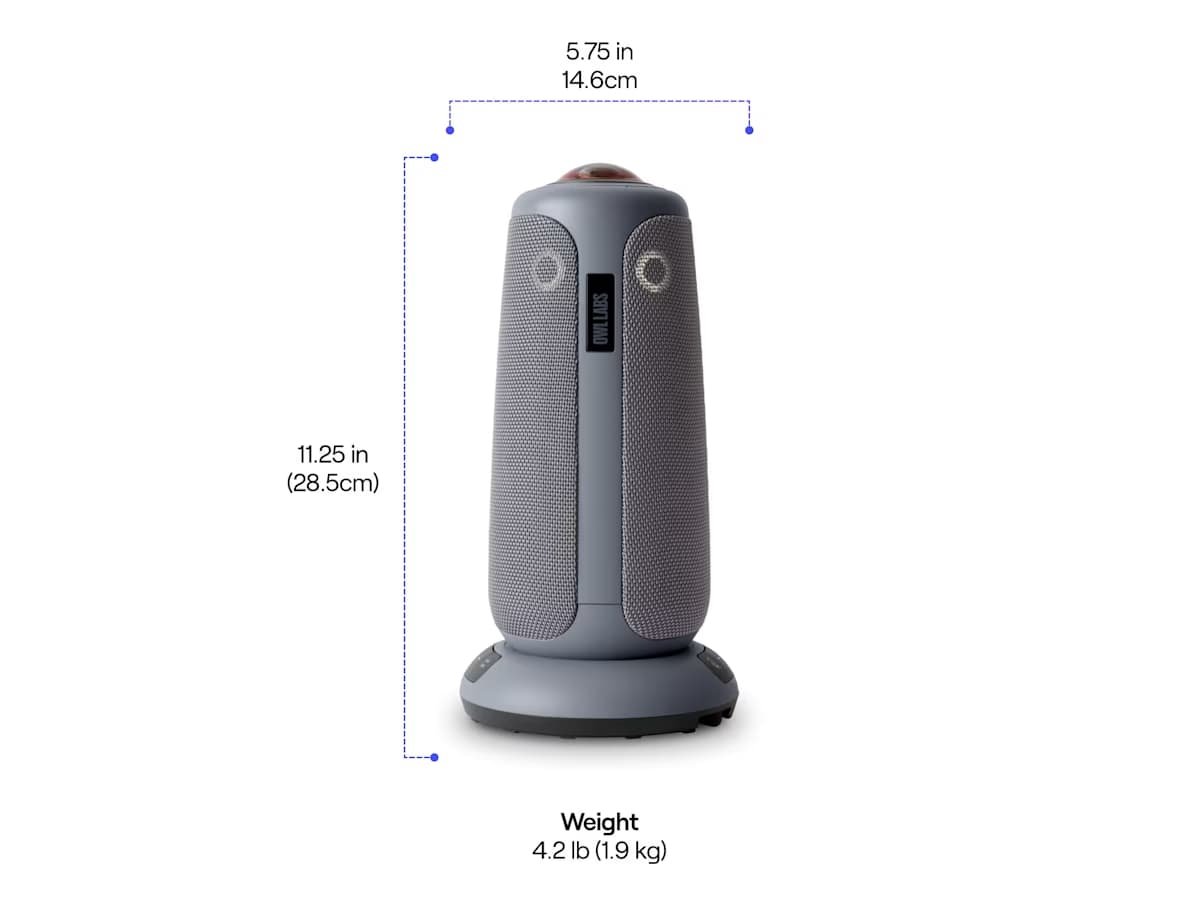
28.5 cm high, 14.6 cm wide and 14.6 cm deep. Weight: 1.9 kg.
-
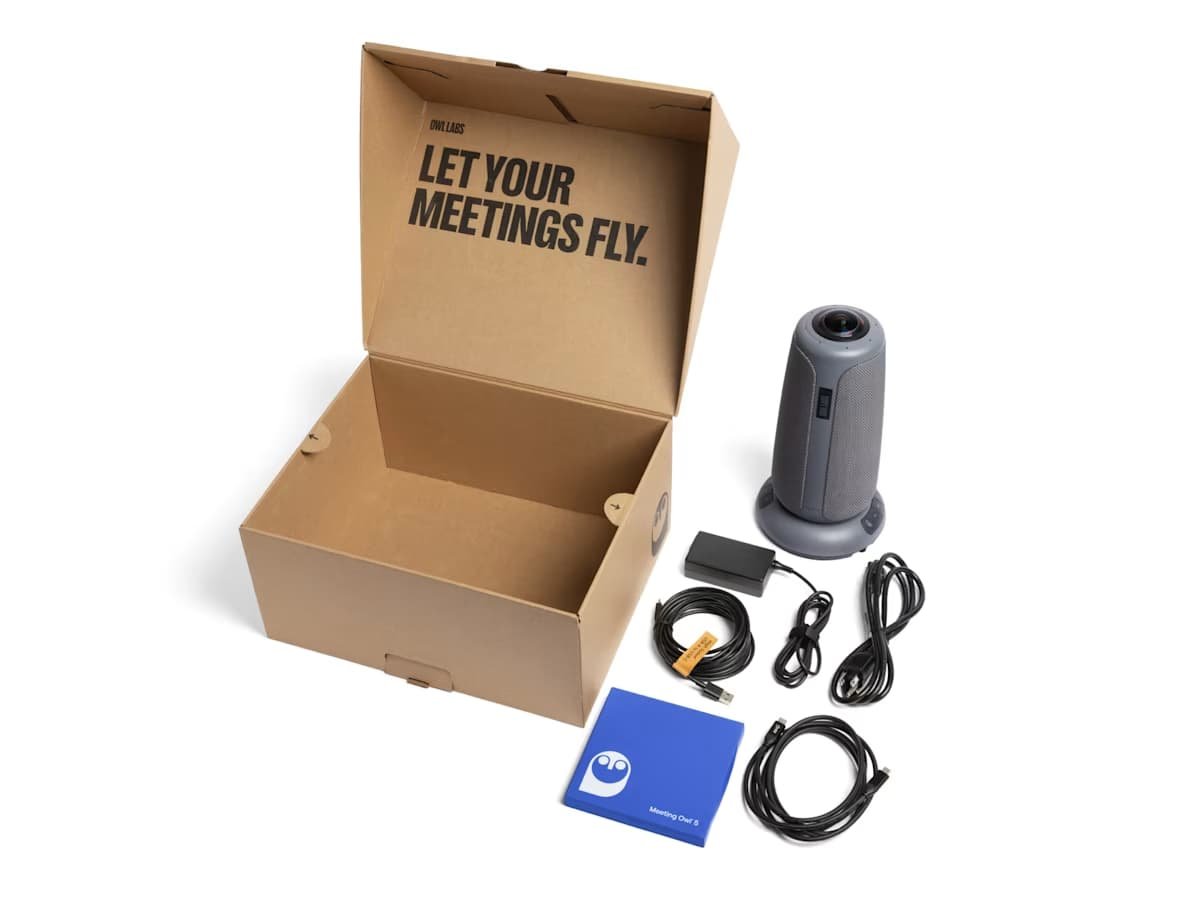
Meeting Owl 5, 2-metre USB-C to USB-C cable, 5-metre USB-C to USB-A cable, power supply and lead, quick-start guide and product documentation. An HDMI cable is sold separately.
-
Two-year manufacturer warranty. UK product code: MTW500-2000.
Meeting Owl 5 UK FAQs
-
Owl Labs recommends one unit for small meeting rooms with up to eight people. For a long or unusually shaped table, check the distance from the Owl to each seat. The recommended camera range is 3 metres, while the microphones reach up to 5.5 metres.
-
Yes. You can connect the Meeting Owl 5 to a compatible laptop and use it for Teams meetings. It also works with Zoom, Google Meet and Webex. If your organisation specifically requires Microsoft Teams certified hardware, consider the Meeting Owl 5 Pro.
-
Yes. Connect the Owl to the room display by HDMI and connect your compatible laptop to the Owl by USB-C. You can then show content on the room display during an in-person presentation or meeting.
-
Owl Labs plans to introduce wired and wireless pairing in early 2027. Expansion Mic support is also planned for 2027. If you need wider coverage now, Roche AV Pro can help you choose a setup for your room.
-
View our Meeting Owl 5 shop listing for the current price. If you need several units, installation or advice on connecting the Owl to an existing display, contact Roche AV Pro for a quote.
Ready to equip your meeting room?
Order the Meeting Owl 5 from Roche AV Pro, or send us a photo or floor plan of your room. Tell us how many people usually sit around the table and which meeting platform you use. Our team can help you decide whether a single Owl will cover the space and what you’ll need to connect it.

Your AV Solution Awaits – Let’s Get Started!
Fill out our form today, and we’ll reach out to discuss your AV needs and design the perfect solution for you.
Your Vision. Our Challenge.